Shared worlds
Multiplayer
Press Play and pick Server 1, 2, or 3. Everyone on that server shares the island: buildings, nodes, barrels, crates, and dropped bags.
Other players
- You see their character and their name.
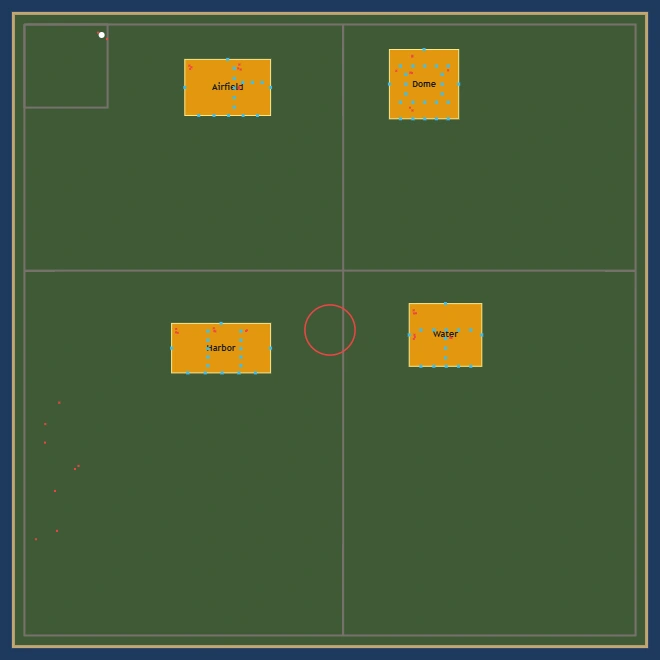
- Other players are yellow dots on the map. Teammates are marked for you.
- If someone is already on the server when you join, you start next to them.
- Players can hurt each other.
- The server list shows how many people are online.
Teams
Open your inventory. Under the armor slots you can create a team, invite someone, or accept an invite. A team lets you share doors. Teammate names are shown in green.
On the island
Airfield, Dome, Harbor, and Water Treatment are marked on the map.
Wipes
Each server resets its world on a 3 hour clock. The clocks are staggered by one hour, so the three servers do not wipe at the same moment. A wipe clears that server’s map, buildings, teams, and player inventories. You start with a new kit when you return.